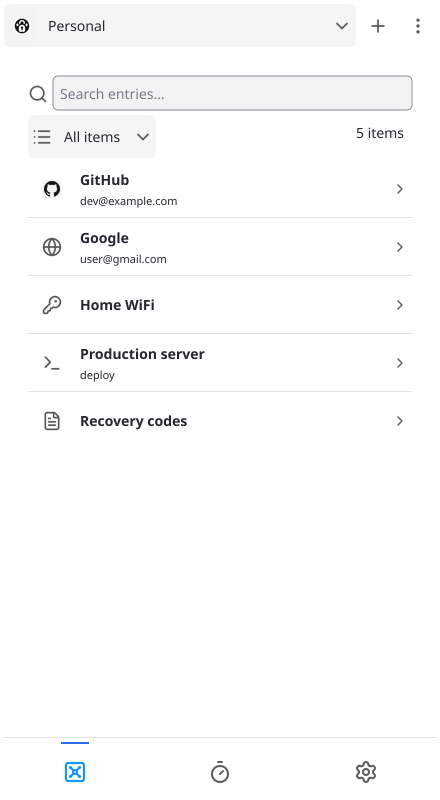
Browse a vault
Command line
$ paw cli ls PersonalList the items in the Personal vault.
Paw stores passwords locally in files encrypted with age. It works offline and doesn't require an account.
Free and open source.
Run paw to open the desktop app or paw cli to use the command line. Both access the same local vaults.
Command line
$ paw cli ls PersonalList the items in the Personal vault.
Command line
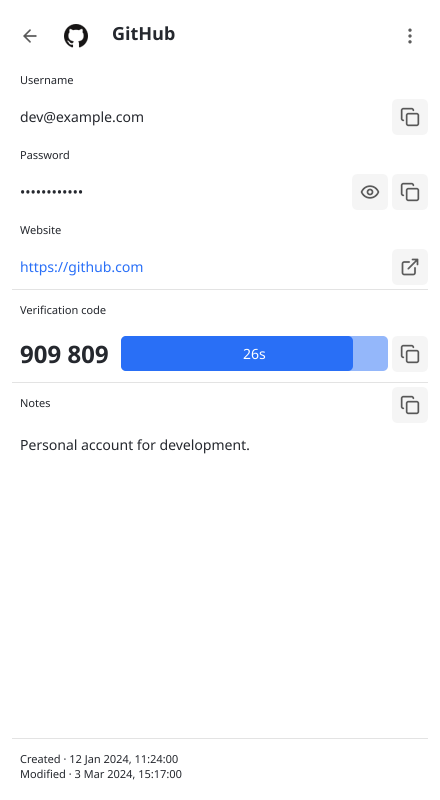
$ paw cli show --clip Personal/login/GitHubShow the login details and copy its password to the clipboard.
Paw is a free, open-source password manager written in Go. It provides a desktop application and command-line interface in a single binary.
The project follows a few principles that guide its development.
Paw is not intended to match the feature set of other password managers. It focuses on managing passwords without adding functionality solely to achieve feature parity.
The project follows the KISS principle: prefer straightforward implementations, limit dependencies, and keep the codebase maintainable.
Binary size, memory usage, and dependencies are considered when introducing new features.
Paw stores vaults locally and encrypts data using age.
It works without an internet connection, an account, or a hosted service. Vault storage and encryption are performed locally. Optional favicon downloads and compromised-password checks use the network.
Paw does not operate a cloud service for storing passwords. Users control how their data is exported, transferred, or backed up.
Documented import and export formats allow users to move their data without relying on a Paw service.
Read about vault storage and encryption and keys in the documentation.
Paw provides a desktop application and a command-line interface through the same executable.
Both access the same local vaults.